HEY ARTS & CREATIVITY BIZ OWNERS!
Get Tech Support for Your Art Biz That Won't Make You Cry
A hands-on workshop for artists, art teachers, art therapists, facilitators, arts in health, and creative wellness professionals who have the vision, the offer, maybe even a business plan, but the tech side stops everything cold.
Sunday, March 29th, 2026 at 2pm-5pm ET
- Live, online, interactive with a replay same-day
- 3+ hours of step-by-step instruction
- Ask Katie anything during & after the session
- Post-workshop notes, templates, & more
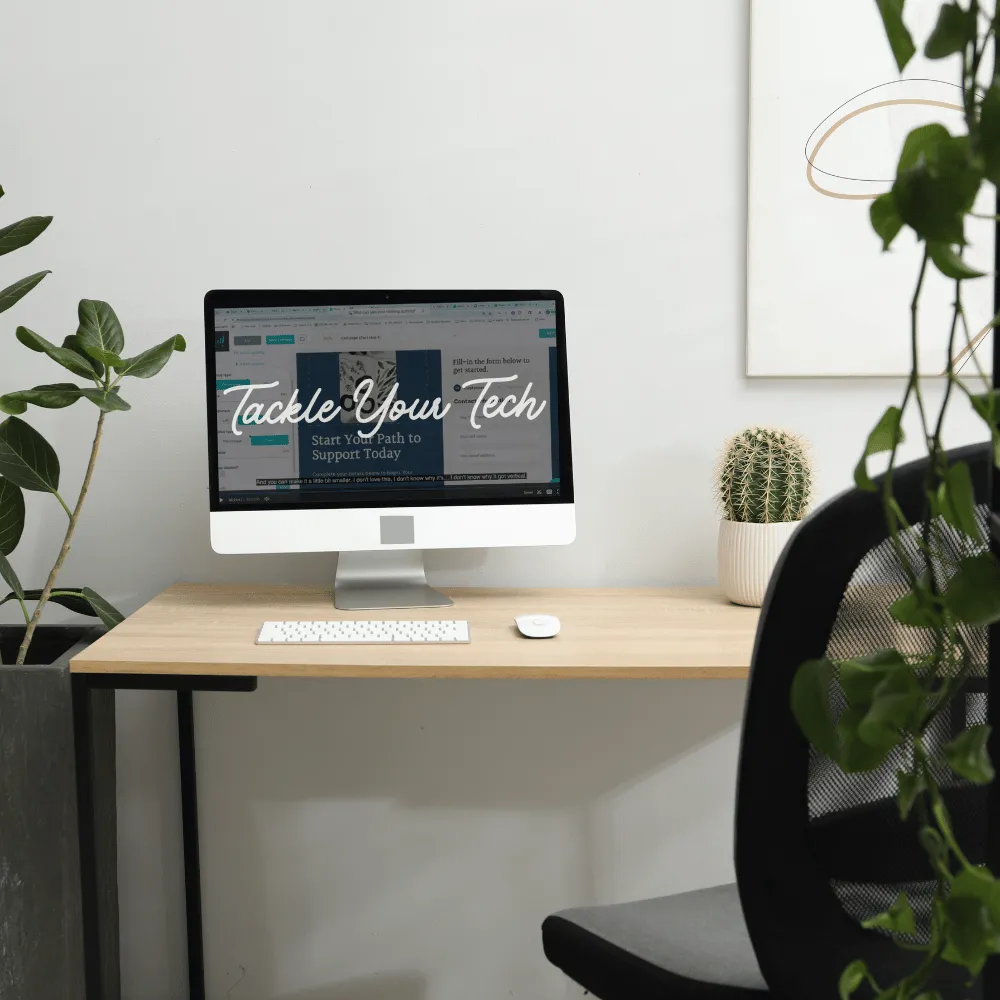
You Know What You Want to Build. The Tech Is What's Keeping You Stuck.
You have a workshop, product, or service idea. A class you could teach in your sleep. A commission that folks keeping asking about. Maybe you've already started leading sessions in person and people keep asking how they can sign up online.
But every time you sit down to figure out the tech (the website, the checkout page, the email list, the "how do I connect all of this so it actually works"), your brain shuts down. Not because you're incapable. Because there are 47 tools, 200 opinions on which ones to use, and zero clear answers about what you actually need right now.
And the worst part? Even making a decision feels big. Because what if you pick the wrong platform and waste months figuring that out?
Here's what I know about you: You're not afraid of hard work. You're afraid of wasting time and energy on something that might not even be the right move. Every decision has to count when you're building something on your own.
What's Inside the Workshop
Next Session: Sunday, March 29th, 2026 - 2pm-5pm ET
In this workshop we will build real tech together. We'll even pick an attendee's business to use as our example! You will get the full lessons, organized session notes, comparison charts, and lifetime access to any new lessons or improvements added over time. Apply what you learn to any type of website, email, and landing page technology.

LESSONS 01-03
Mindset, Customer Path, and Brand Foundation
We start by reframing tech as something you can experiment with (there's almost always an undo button). Then we map the customer's path so you understand exactly which tools you need and why. Finally, you'll set up your brand basics: colors, fonts, voice, photos, and Canva for people who've never "designed" anything.
LESSON 04
Choosing Your Tech Setup: Three Clear Paths
I break down the three most common tech setups with honest pros and cons for each. Which one is right depends on where you are right now and what you're offering, not where some business coach says you should be. I share exactly what I use and why, plus what I'd recommend for someone just starting.


LESSON 05
Real-Life Build: Website, Checkout, and Email Automation
This is the core of the workshop. I share my screen and we build it together using a hypothetical business as the example. A one-page Squarespace website, a ThriveCart checkout page, Stripe and PayPal payment processing, and a Kit email welcome sequence. Connected. Working. Done.
LESSON 06
Email Marketing: Tags, Sequences, and Broadcasts
The difference between your business email and your email marketing tool (and why you legally need both). How to set up tags, automated welcome sequences, and scheduled event reminders so nothing requires manual work after the initial setup.


LESSON 07
Online Teaching Setup: Zoom, Camera, Lighting, Audio
My exact (affordable) camera and lighting setup for virtual workshops and online events for any type of art biz. Webinar vs. meeting and when to use each. How to switch between face-cam and overhead demo. Links to every piece of gear I use.
LESSON 08
AI for Your Business + Real Talk on Sustainability
How I use voice memos and AI on low-energy days to keep the business moving. How to use AI for tech troubleshooting so you never sit stuck and spiraling. Plus honest perspective on timelines, revenue, niching down, and the stuff nobody tells you about building an art business online.

What's Inside the Workshop
Next Session: Sunday, March 29th, 2026 - 2pm-5pm ET
In this workshop we will build real tech together. We'll even pick an attendee's business to use as our example! You will get the full lessons, organized session notes, comparison charts, and lifetime access to any new lessons or improvements added over time. Apply what you learn to any type of website, email, and landing page technology.
LESSONS 01–03
Mindset, Customer Path, and Brand Foundation
We start by reframing tech as something you can experiment with (there's almost always an undo button). Then we map the customer's path so you understand exactly which tools you need and why. Finally, you'll set up your brand basics: colors, fonts, voice, photos, and Canva for people who've never "designed" anything.
LESSON 04
Choosing Your Tech Setup: Three Clear Paths
I break down the three most common tech setups with honest pros and cons for each. Which one is right depends on where you are right now and what you're offering, not where some business coach says you should be. I share exactly what I use and why, plus what I'd recommend for someone just starting.
LESSON 05
Real-Life Build: Website, Checkout, and Email Automation
This is the core of the workshop. I share my screen and we build it together using a hypothetical business as the example. A one-page Squarespace website, a ThriveCart checkout page, Stripe and PayPal payment processing, and a Kit email welcome sequence. Connected. Working. Done.
LESSON 06
Email Marketing: Tags, Sequences, and Broadcasts
The difference between your business email and your email marketing tool (and why you legally need both). How to set up tags, automated welcome sequences, and scheduled event reminders so nothing requires manual work after the initial setup.
LESSON 07
Online Teaching Setup: Zoom, Camera, Lighting, Audio
My exact (affordable) camera and lighting setup for virtual workshops and online events for any type of art biz. Webinar vs. meeting and when to use each. How to switch between face-cam and overhead demo. Links to every piece of gear I use.
LESSONS 08–09
AI for Your Business + Real Talk on Sustainability
How I use voice memos and AI on low-energy days to keep the business moving. How to use AI for tech troubleshooting so you never sit stuck and spiraling. Plus honest perspective on timelines, revenue, niching down, and the stuff nobody tells you about building an art business online.
Real Questions From the Workshop
That you're probably asking too.
"I don't know which platform to use and I'm scared of picking wrong."
I walk through three clear paths with honest pros and cons. You'll know which one fits your stage, your budget, and your schedule, not what some guru is selling.
"DNS settings? Payment processors? My brain hurts."
Same. I show you exactly what these things are, in plain language, with my screen shared. Squarespace handles most of the scary-looking stuff automatically.
"I don't have products ready yet. Is it too early for a website?"
No. Your website can just share who you are while you develop your offerings. You can add and subtract from it anytime.
"What if I invest in the wrong tools and waste money?"
I've tested a lot of tools so you don't have to. I share what's worth the money, what's not, and where to start without spending more than you need to.
"Do I need to be on camera to teach online?"
Honestly? It depends. Those who are willing to show their faces and build relationships will likely see quicker results, but going faceless isn't impossible.
"I have zero design skills."
I cover Canva basics for people who have genuinely never designed anything. Templates are your best friend. Search, customize, done.
This Workshop Is for You If...
✦ You have a workshop, class, or creative offering you want to sell online (or offline!) but the tech is what's stopping you
✦ You've Googled "how to build a website for my art business" more times than you want to admit and still don't have one
✦ You're an artist, art teacher, art therapist, facilitator, counselor, or creative professional building something sustainable
✦ The phrase "connect your payment processor" makes you want to close your laptop and go to bed
✦ You need someone to walk you through it in plain language with the option for support
✦ You want to work through this at your own pace, pausing and rewinding when you need to
✦ You're tired of paying for platforms you're not sure you need because someone on Instagram said you had to have them

This Workshop Is Not...
X A high-level strategy course that tells you what to do but not how. This is screen-sharing, step-by-step, "click here then paste this" practical.
X A pitch for expensive all-in-one platforms. I recommend the most affordable, beginner-friendly tools and I'm transparent about every cost.
X A passive course you watch and forget. You'll leave with actual tech built, or at minimum, a clear plan for exactly what to set up and in what order.

Your Instructor
Hi, I'm Katie.
I have 30 years of website-building experience and spent a decade as a marketing agency executive leading a team of 60. I channeled all of that into building Inner Peace Art Studio from scratch, and I've been teaching artists and creative professionals how to do the same ever since.
I'm also a 2026 Global Arts in Medicine Fellow and Master's student in Arts in Medicine at the University of Florida. I built this workshop because I watched too many talented people get stuck at the tech stage and give up. That's not a skills problem. That's a "nobody showed you how" problem.
I'm not going to make you feel dumb. I'm going to share my screen and show you exactly what to do.
LIVE ONLINE WORKSHOP
Register for Tackle Your Tech
Space is limited
$47
CURRENTLY SOLD OUT
Virtual workshop with same-day replay
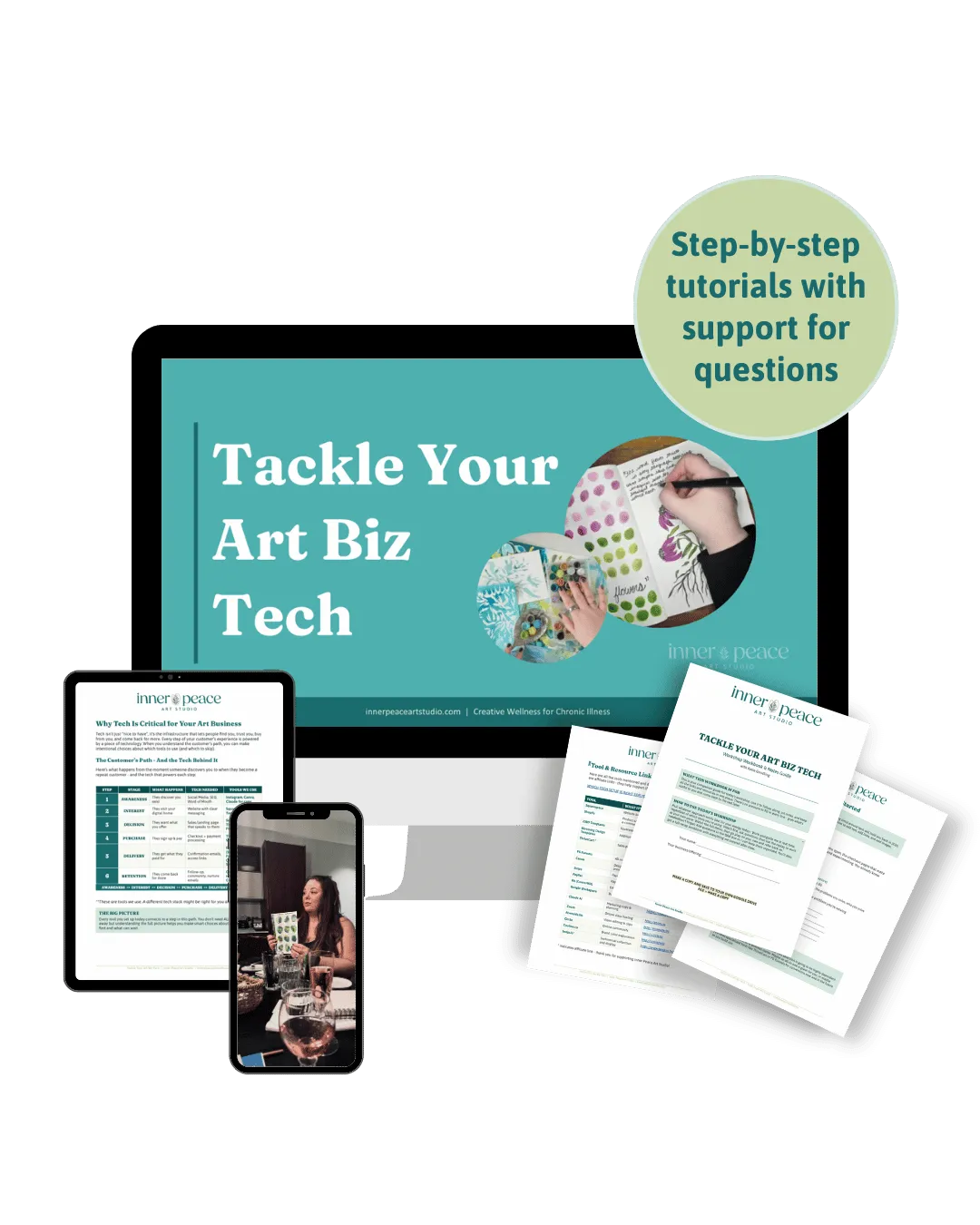
✦ Full 3+ hour workshop with step-by-step screen-sharing tutorials to create brand colors, logos, websites, landing pages, check out pages, email marketing sequences and more
✦ Ask Katie anything tech - we won't leave until your questions are answered
✦ Learn deeply with workshop notes and a workbook to reference alongside the live workshop and replay
✦ Figure out what tools are right for you with a comparison guide with honest pros and cons of every tool
✦ Make online classes and meetings easy with equipment links for the exact camera, lighting, and gear Katie uses
✦ Make online classes and meetings easy with equipment links for the exact camera, lighting, and gear Katie uses
✦ Rewatch anytime with lifetime on-demand access including any new lessons, updates, and improvements
The Tackle Your Tech Workshop is currently sold out. Check out our website to join our newsletter to find out when the self-paced course is available.
Want More Than Just Tech?
Add 3 Months of the Art Biz Collective
If you want ongoing support as you build (monthly trainings, daily access to me and a group of art biz owners, done-for-you workshop materials, facilitator training, and Canva templates), you can add 3 months of the Art Biz Collective at checkout for 50% off.
Tech is the foundation. The Collective is where you build on it - you can ask deeper questions, get 1:1 coaching, ask for a logo/website/workshop audit, and much more.
Reg. Price $197
50% Off Today Only $97 for three months
Questions Before You Start
How long do I have access?
Lifetime. The replay, notes, and all resources are yours to keep. You'll also get access to any new lessons, updates, or improvements I add over time. Come back whenever you're ready to set up the next piece.
I'm not very tech-savvy. Will I be able to follow along?
That's exactly who this is for. I share my screen and walk through every click. The workshop notes are organized so you can pause, do the thing, then come back. Multiple attendees said they'd never built a website before and left with one started.
What tools will I need?
A computer (not a phone or tablet if possible), an internet connection, and a willingness to experiment. I walk you through signing up for Squarespace, ThriveCart, Kit, and Canva during the workshop. I discuss other similar platforms and considerations for you to make before committing to a tool(s). Most tools function similarly, so once you know how to use one, you can use them all.
I don't have a business name or products yet. Is it too early?
No. We cover brand foundations first. And your website doesn't need products to go live. It can share who you are while you develop your offerings. Starting the tech now means it's ready when you are.
Can I ask questions?
You can ask basic questions in the comments on the workshop replay. For more personalized, ongoing support and direct access to me as you build, the Art Biz Collective upgrade is the place for that.
What if I get stuck?
The workshop notes are designed to be a reference guide you can use alongside the replay. For specific troubleshooting, I also teach you how to use AI as a tech support tool. Seriously, it's one of the most useful sections.
How long is the workshop?
3+ hours of real, practical content. It's not padded with filler. You can start and stop whenever you want, and come back to specific sections as needed. Most people work through it over a few sessions.
The tech doesn't have to be the thing that stops you.
You have a class to teach, art to share, and people waiting to find you. Let's get the tech out of your way so you can do the work that actually matters to you.

© 2026 Inner Peace Art Studio. All rights reserved.
5% of every purchase supports organizations advancing chronic illness care, disability justice, and arts-in-health.